SYS 01
Three working views
Use the editor at full width, inspect the rendered document, or keep both panes in split mode. Choose any view as the opening default.
 Sputnik Digital Effects
Launch window open Free v1 download
Write with the rendered document in view. Export the result to PDF when it is cleared for launch.
A focused desktop tool for README files, technical notes, runbooks, and the Markdown documents developers keep open all day. No account. No cloud workspace. Your files stay on your machine.
Free through the v1 mission.
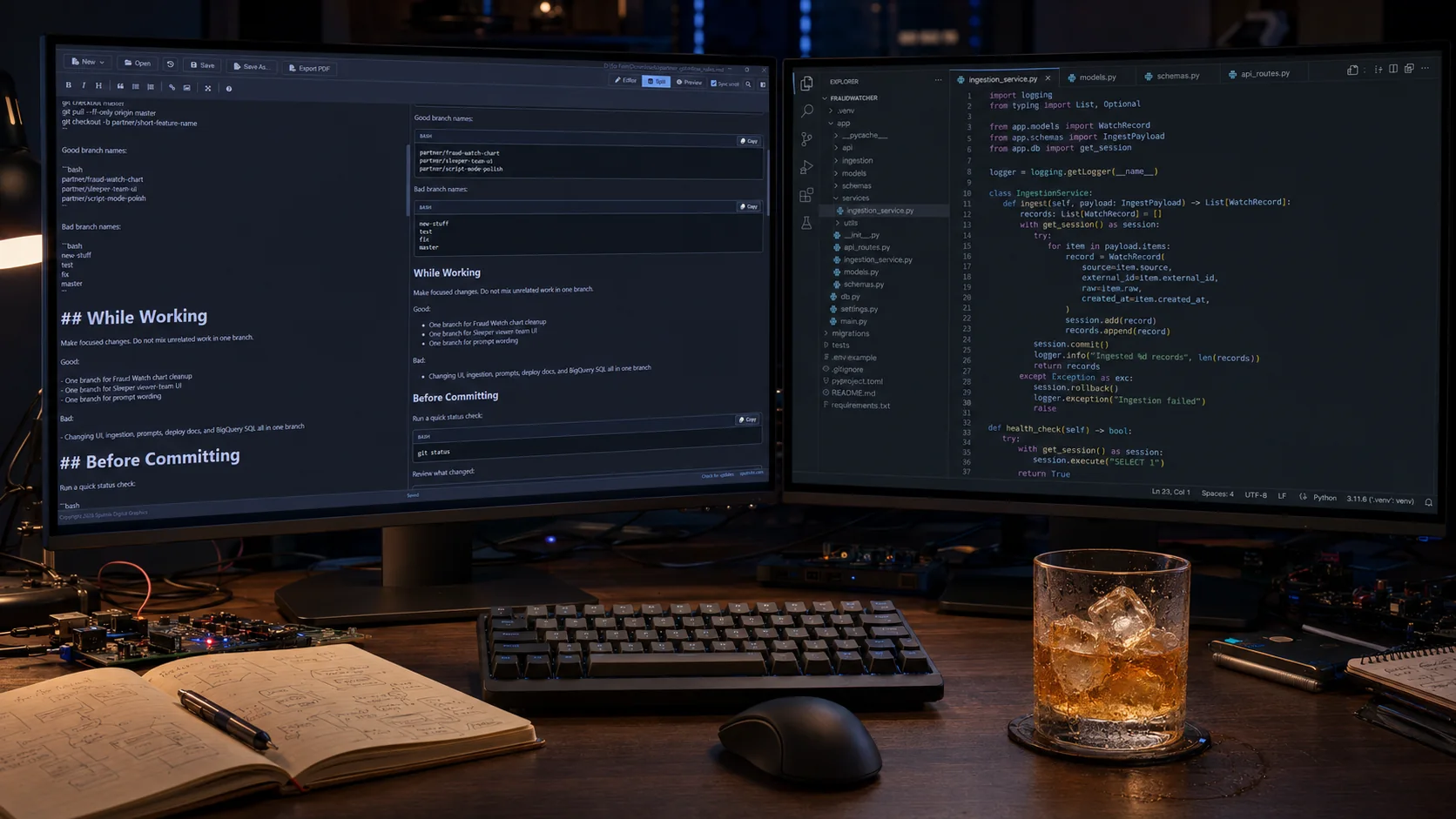
Keep the source on one side and the rendered document on the other. Switch to a full-width view when the work needs more room.
The editor and preview can scroll independently, or stay synchronized while you inspect a long document. Click through the source, copy a rendered code block, then export the final document without leaving the app.
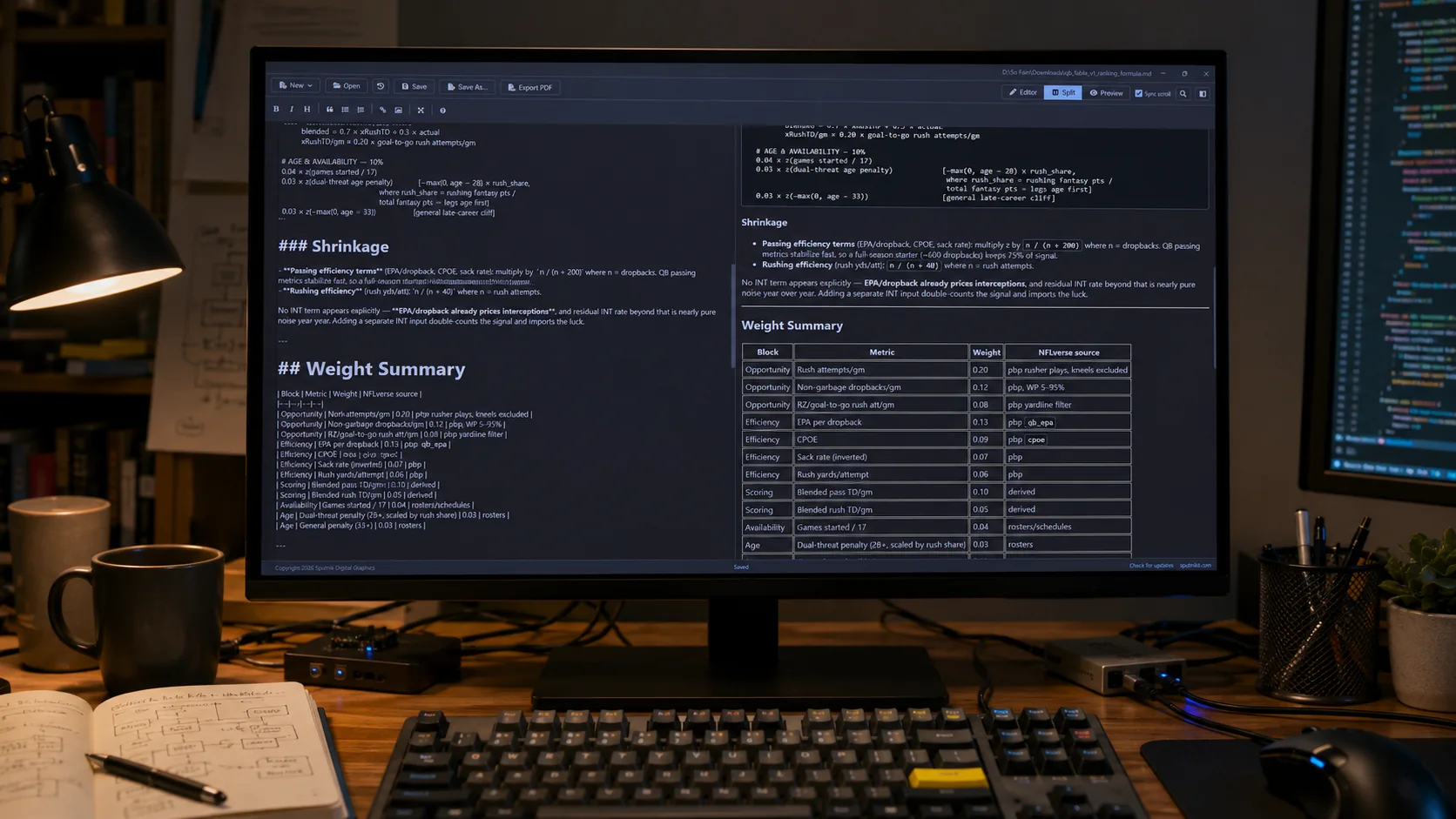
Systems check Six green lights
The app stays focused on Markdown, but the routine details are handled. Open the file, keep your place, recover from a bad shutdown, and hand off a PDF.
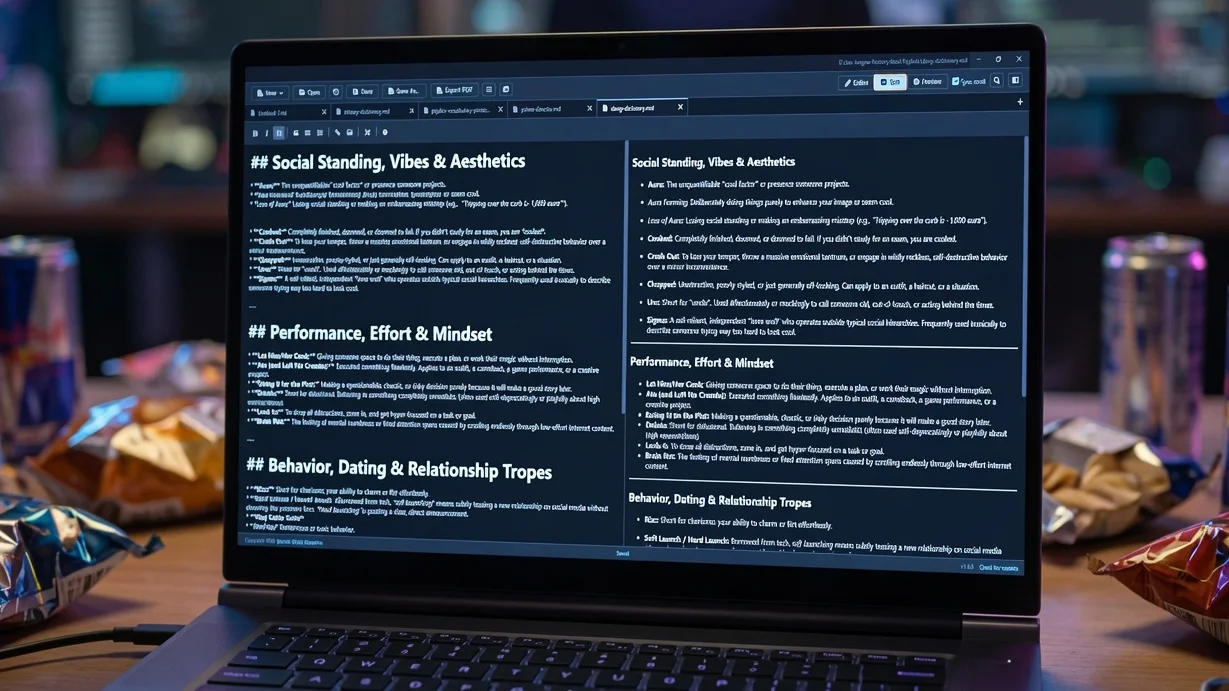
Use the editor at full width, inspect the rendered document, or keep both panes in split mode. Choose any view as the opening default.
Keep several Markdown files open at once. Tabs, unsaved text, view state, and scroll positions return after relaunch.
Review a paginated print preview before printing, or export a PDF. Both outputs contain only the rendered Markdown document, including Mermaid diagrams.
Open a collapsible heading outline for long documents. Selecting a heading moves both the editor and preview to that section.
Paste or drop an image, add alt text, and save it into a configurable assets folder with a relative Markdown path.
Get an immediate confirmation after every save, open the Markdown guide, or check the first-party SputnikFX release feed.
Build manifest Four systems online
This is a local Windows product, not a browser tab tied to a cloud account. The renderer handles Markdown. A context-isolated Electron bridge owns the desktop work, and the release pipeline carries the complete application to Windows.
A local Windows application with a narrow bridge between the document interface and the operating system.
Source and rendered output stay in one working console, with independent views and optional synchronized movement.
The work stays on the machine. Workspace sessions and image assets are local. PDF exports run through application services.
One build path assembles the application, installer, manual, and the legal files required for release.
Version 1.8.4 renders Mermaid diagrams from fenced mermaid code blocks and opens a paginated print preview before the Windows print dialog.
Write a flowchart, sequence diagram, or any other Mermaid definition inside a code block and the preview draws it as a diagram. Press Ctrl+P to check the paginated pages first, then print from that preview.
View full changelogThe next major release moves farther into PDF work. Editing and signatures are planned for the v2 mission.
Those systems are not in version 1.8.4. This release is the lean Markdown console: write, inspect, recover, and export. It remains free until v2 is ready to launch.
Launch window Payload ready
The Windows installer is available directly from SputnikFX.com. Version 1 is free until version 2.0 launches.
This v1.8.4 installer is signed and timestamped. Windows should identify Sputnik Digital LLC as the verified publisher.
SHA-256 C0F18784A5CDAE104FD4E84EB6AB054C5ABE25F362264DFD90FED82A80C66880
New to Markdown or need a syntax check? Use the Sputnik field manual for headings, lists, links, code, images, and portable formatting rules.
Read basic Markdown syntaxSputnik Markdown Viewer is a Windows desktop editor for Markdown files. It provides editor, split, and preview modes, then exports the rendered document as a PDF.
Version 1 is free to download until version 2.0 is released. Sputnik Digital Effects guarantees the free download will remain available through at least August 14, 2026.
Version 2.0 is planned to add deeper PDF functionality, including PDF editing and signatures. Those features are not part of version 1.8.4.
Yes. Version 1.8.4 is signed and timestamped by Sputnik Digital LLC. Windows should show Sputnik Digital LLC as the verified publisher. A SHA-256 checksum is also published on this page.
This is a small utility with a complete release path behind it. Bring us the workflow your team keeps fighting and we will map the product that should replace it.