
Release archive 19 recorded versions
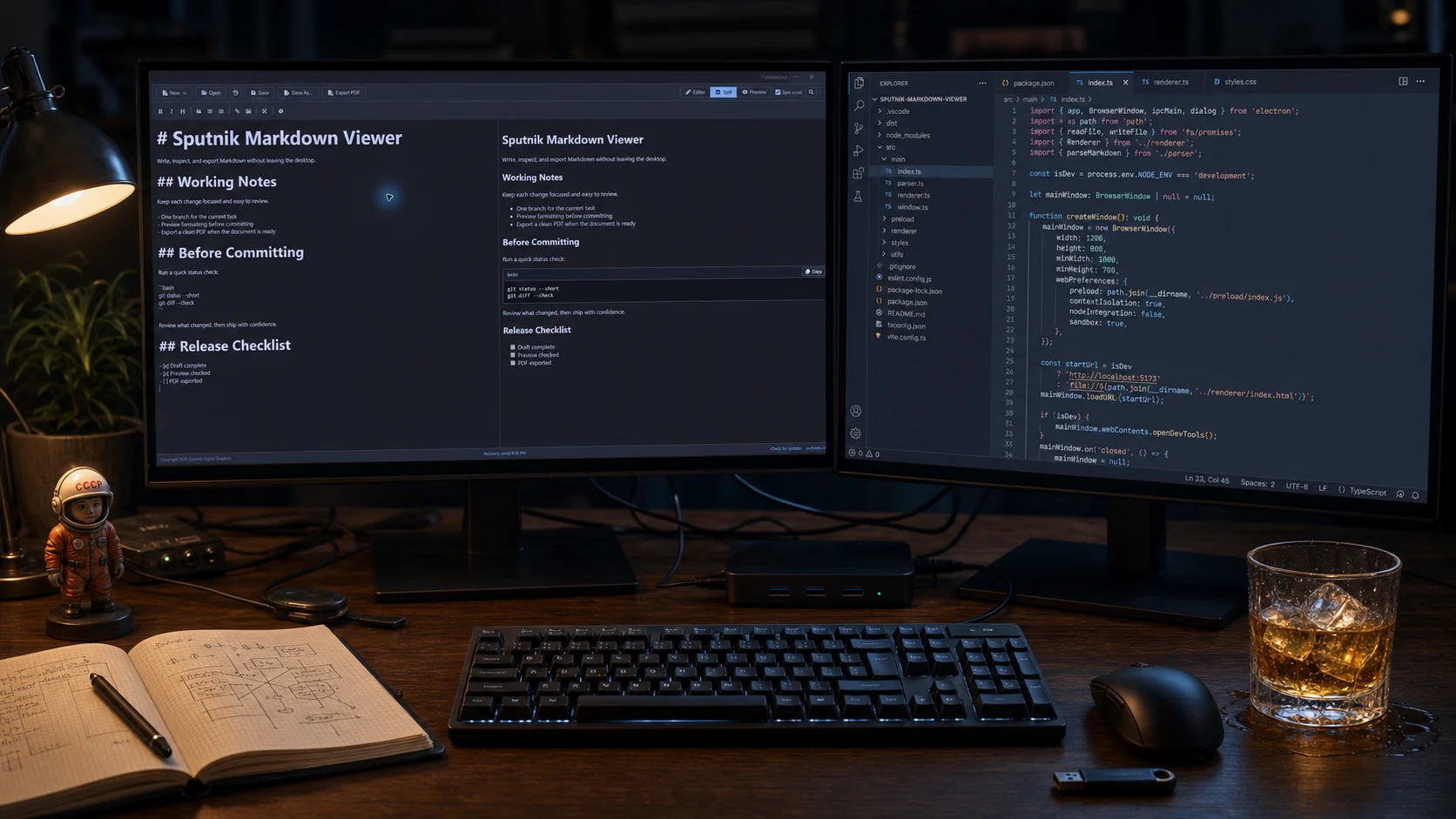
Sputnik Markdown Viewer version history.
Every recorded public version from v1.3.0 through v1.8.4, newest first.
- First record
- v1.3.0
- Current
- v1.8.4
- Versions
- 19
- Order
- Newest first
v1.8.4 September 15, 2026
Mermaid diagrams and print preview
Renders Mermaid diagrams from fenced code blocks and opens a paginated print preview before the Windows print dialog.
-
01
Mermaid diagrams
Render fenced code blocks tagged mermaid as diagrams in Preview, print, and PDF output, including flowcharts, sequence diagrams, and other Mermaid diagram types.
-
02
Print preview
Open a paginated preview of the rendered document from Print or Ctrl+P, then print to any Windows printer from that preview.
-
03
Clear diagram errors
Show the parser message and the original definition in place when a diagram has a syntax error.
v1.8.3 September 1, 2026
Printing and clean document output
Adds native Windows printing and removes application controls from printed and exported documents.
-
01
Native Windows print dialog
Print the current rendered Markdown document from the toolbar or with Ctrl+P.
-
02
Content-only output
Exclude the title bar, toolbar, document tabs, heading outline, source editor, and footer from printing and PDF export.
-
03
Fresh rendered document
Refresh the rendered view immediately before printing or PDF export.
v1.8.2 August 4, 2026
Document workspace corrections
A release-blocking fix for crowded tabs and Preview content that could remain on the previous document.
-
01
Toolbar menus above tabs
Keep the New and Recent menus visible and clickable when the document-tab strip is full.
-
02
Current document Preview
Render the newly active document immediately when a file opens or a tab changes in Editor, Split, or Preview mode.
-
03
Preview position restore
Restore each document's saved preview scroll position after switching tabs.
v1.8.1 July 25, 2026
Save confirmation and opening view
A focused patch for clearer save feedback and a workspace that opens in the view each user prefers.
-
01
Saved confirmation
Show a compact confirmation after each successful save, close it automatically after two seconds, and allow immediate dismissal.
-
02
Default opening view
Store Editor, Split, or Preview as the opening view and apply it after workspace restore on the next launch.
v1.8.0 July 22, 2026
Multi-document workspaces
A feature release for people who keep several Markdown files open and work in long technical documents.
-
01
Document tabs
Open several Markdown files in one window and preserve unsaved state between launches.
-
02
Workspace restore
Restore active tabs, cursor positions, pane modes, outline state, and scroll positions after relaunch.
-
03
Heading outline
Navigate long documents from a collapsible outline generated from Markdown headings.
-
04
Image assets
Paste or drop images, set alt text, and insert a relative path from a configurable assets folder.
-
05
Verified Windows publisher
Sign and timestamp the application and installer as Sputnik Digital LLC through Microsoft Azure Artifact Signing.
v1.7.1 July 18, 2026
First-party update delivery
Moved release metadata and installer delivery to SputnikFX.com.
-
01
SputnikFX update feed
Version checks now read first-party metadata hosted on SputnikFX.com.
-
02
Focused update center
The in-app update action opens a release-specific SputnikFX page instead of a source repository.
v1.7.0 July 18, 2026
Search and scroll corrections
Corrected the interaction model between the source editor and rendered preview.
-
01
Preview-aware Find
Find results are highlighted and navigable in both the editor and rendered preview.
-
02
Predictable scroll sync
The panes move independently when Sync is off. Turning Sync on aligns the preview before locking both panes together.
-
03
Click snapping removed
Clicking inside the editor no longer forces the preview to jump.
-
04
Windows association behavior
The installer registers Markdown file support without claiming to override Windows protected default-app choices.
v1.6.1 July 16, 2026
Reading contrast fixes
A focused visual correction for links and selected text.
-
01
Readable selections
Improved selection colors in the editor and preview so highlighted text remains legible.
-
02
Quieter hyperlinks
Adjusted link color, underline treatment, and wrapping for long document URLs.
v1.6.0 July 16, 2026
Guide and update checks
Added an in-app Markdown reference and automatic release checks.
-
01
Markdown guide
Open the Sputnik basic Markdown syntax guide in a dedicated 1280 by 720 browser window.
-
02
Update availability
Check automatically at launch or manually from the application footer.
-
03
Sync enabled by default
New sessions begin with synchronized editor and preview scrolling enabled.
v1.5.5 July 15, 2026
Manual shortcut spacing
Corrected the final keyboard-reference button padding in the PDF manual.
-
01
Keyboard reference
Balanced key-label padding and row spacing for a cleaner reference panel.
v1.5.4 July 15, 2026
Manual brand mark
Replaced redundant closing-page text with the Sputnik Digital icon.
-
01
Closing page
Added the Sputnik Digital mark while preserving the website credit and copyright footer.
v1.5.3 July 15, 2026
Manual layout correction
Refined the spacing around keyboard shortcuts in the PDF manual.
-
01
Shortcut panel
Adjusted margins and control dimensions to prevent cramped labels.
v1.5.2 July 15, 2026
Unified manual background
Matched the PDF manual background to the application icon and logo field.
-
01
Dark-mode palette
Aligned the page background with the application brand artwork.
v1.5.1 July 15, 2026
Versioned PDF manual
Expanded the user manual and made regeneration part of the release build.
-
01
Complete application reference
Documented the interface, file workflows, editing tools, PDF export, recovery, and keyboard commands.
-
02
Release packaging
Regenerate the versioned dark-mode manual before packaging each release.
v1.5.0 July 15, 2026
Recovery and search
Added the core safeguards and navigation tools expected from a daily editor.
-
01
Crash-recovery autosave
Record unsaved work and offer recovery after an interrupted session.
-
02
Recent files
Keep recently opened Markdown files available across launches.
-
03
Find and replace
Add match counts, case matching, replacement controls, and keyboard navigation.
v1.4.0 July 15, 2026
New document workflows
Added explicit document creation and a persistent application footer.
-
01
New Markdown document
Create a clean Markdown document from the toolbar or keyboard.
-
02
New PDF-target document
Start a document intended for PDF output with the correct save and export path.
-
03
Application footer
Show Sputnik Digital Effects credit, version status, and release controls at the bottom of the workspace.
v1.3.3 July 15, 2026
Installer permission fix
Corrected installation behavior for protected Windows application folders.
-
01
Program Files installation
Prevent the installer from trying to overwrite locked files without first closing the running application.
v1.3.1 July 15, 2026
Release licensing
Established the proprietary application license and preserved third-party notices.
-
01
Application EULA
Added Sputnik Markdown Viewer installation and use terms.
-
02
Third-party notices
Generated and packaged the licenses required by bundled open-source components.
v1.3.0 July 15, 2026
First archived public release
Established the Windows application, portable build, and assisted installer recorded in the current release history.
-
01
Three working views
Edit at full width, inspect the rendered preview, or use both panes in split mode.
-
02
Core file workflow
Open, save, Save As, drag Markdown files into the app, and export the rendered result to PDF.
-
03
Readable code blocks
Render dark code and PowerShell blocks with one-click copying.
-
04
Windows identity
Ship the Sputnik icon, application name, portable folder, and guided Windows installer.