SYS 01
Your colors
Start from one of ten themes, then set any of 22 color roles yourself: land, water, roads, labels, the pin and the buttons drawn over the map.
 Sputnik Digital Effects
Open source Free website map

One folder, one div and one script tag put an OpenStreetMap map on your page, in your colors.
OpenPin draws the map in the visitor's browser from free OpenStreetMap data. You don't need a Google account, an API key, a billing setup or an npm install. Copy the folder to your site, paste the snippet, and the map loads when someone scrolls near it.
MIT license | No API key | No build step
Theme builder Running on this page
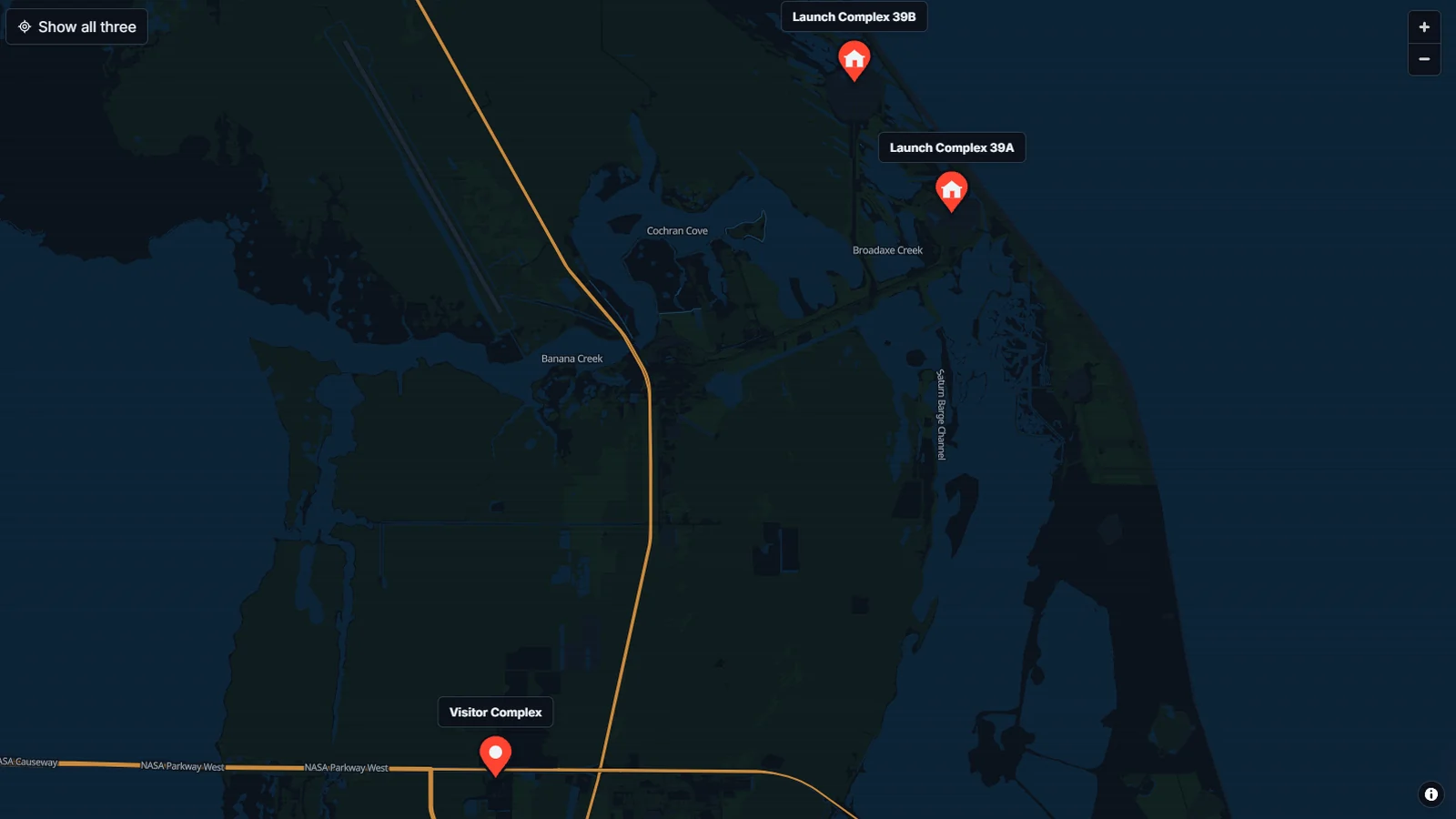
This runs the same folder that's in the download. Pick a theme, set your place and change any of the 22 colors, then copy the code into your site. Hold Ctrl or Command while scrolling to zoom the map; on a phone, pan with two fingers.
<div
  data-openpin
  data-lat="28.60864"
  data-lng="-80.60412"
  data-zoom="14"
  data-label="Launch Complex 39A"
  data-home-label="Back to the pad"
  style="height: 480px">
  Launch Complex 39A, Kennedy Space Center, Florida
</div>
<script type="module" src="/openpin/openpin.js"></script>
Copy the openpin folder from the download to your site root, then paste this code where the map belongs. All ten themes are built into OpenPin, so the code only names the theme plus any colors you change.
Copy the openpin folder into your site, add a div where the map belongs, and load the script once per page.
The script finds its CSS, map style, icons and MapLibre relative to its own location, so the folder can sit anywhere on the server. It works on hand-built HTML sites, WordPress, Webflow and static site generators, and in React, Vue or Svelte apps that serve the folder from public/.
<div
  data-openpin
  data-lat="28.60864"
  data-lng="-80.60412"
  data-zoom="14"
  data-label="Launch Complex 39A"
  data-home-label="Back to the pad"
  style="height: 480px">
  Launch Complex 39A, Kennedy Space Center, Florida
</div>
<script type="module" src="/openpin/openpin.js"></script>Systems check Six green lights
A map should help visitors find you without slowing the page or hijacking the scroll wheel. OpenPin handles those details by default, and most of them can be changed with an attribute.
Start from one of ten themes, then set any of 22 color roles yourself: land, water, roads, labels, the pin and the buttons drawn over the map.
MapLibre is roughly 300 KB with gzip and downloads only when a map comes near the screen. A page without a map loads none of it.
While the map loads, or if WebGL or the tiles are unavailable, visitors see your address and an Open in OpenStreetMap link.
Visitors scroll past the map without getting stuck in it. Ctrl or Command plus scroll zooms, and touch screens pan with two fingers.
Pass a list of pins and the map fits all of them on screen. The Back to button returns visitors to that starting view.
Recolor a map live, listen for ready and error events, or take the full MapLibre map and build on it.
Build manifest Four systems online
OpenPin's map style comes from the Heliport Atlas the studio built for HelicopterCharters.us, which runs MapLibre over VersaTiles tiles. OpenPin packages that setup so any site can use it.
The map is drawn in the browser with WebGL. The OpenPin loader turns a plain div into a configured map.
Tiles come from a free public server, so there is no account to create and no key to protect.
Every color role owns one value in the style file, so a theme swaps all of them in a single pass.
The whole package is one folder you copy to your server. No package manager or bundler is involved.
The tiles come from the free public VersaTiles server. It needs no key or sign-up.
It is a community service, so a high-traffic site should read the VersaTiles usage guide or host its own tiles. Switching servers means editing two URLs in style.json. OpenStreetMap's license asks for visible credit, and the small (i) button on the map provides it, along with a short OpenPin by SputnikFX link.
Launch window Payload ready
The ZIP holds the complete release: the openpin folder, the theme builder, two examples, the README, AGENTS.md and the license files. The same code is on GitHub, where you can report issues or send changes.
Compare your download with this SHA-256 hash. The ZIP matches commit ec90aaa on GitHub.
SHA-256 DF1E5E8F4A40225F090537287D9513537E942797305F6A62FA39EB36297DC53C
The README in the download lists every attribute, theme color and JavaScript option, with fixes for the common setup mistakes.
Read the READMEOpenPin is a free, open-source JavaScript package that puts an OpenStreetMap map on a web page in colors you choose. It bundles MapLibre GL JS and loads free vector tiles from VersaTiles.
No. The map uses OpenStreetMap data from the public VersaTiles tile server, which needs no key or sign-up. You can still add plain directions links to Google Maps, Apple Maps or OpenStreetMap.
Yes. The code is MIT licensed. Keep the map's (i) attribution visible, because the OpenStreetMap license requires credit. A busy site should read the VersaTiles usage guide or host its own tiles.
Yes. Upload the openpin folder, then paste the snippet into a Custom HTML block with the full URL in the script src. Squarespace, Wix and Webflow work the same way with hosted files and an embed block.
Visitors see the address you put inside the map element and an Open in OpenStreetMap link. If the tiles arrive late, the map replaces that fallback on its own.
We build fast, custom websites where details like this are already handled. Tell us what your site needs to do and we will map the build.